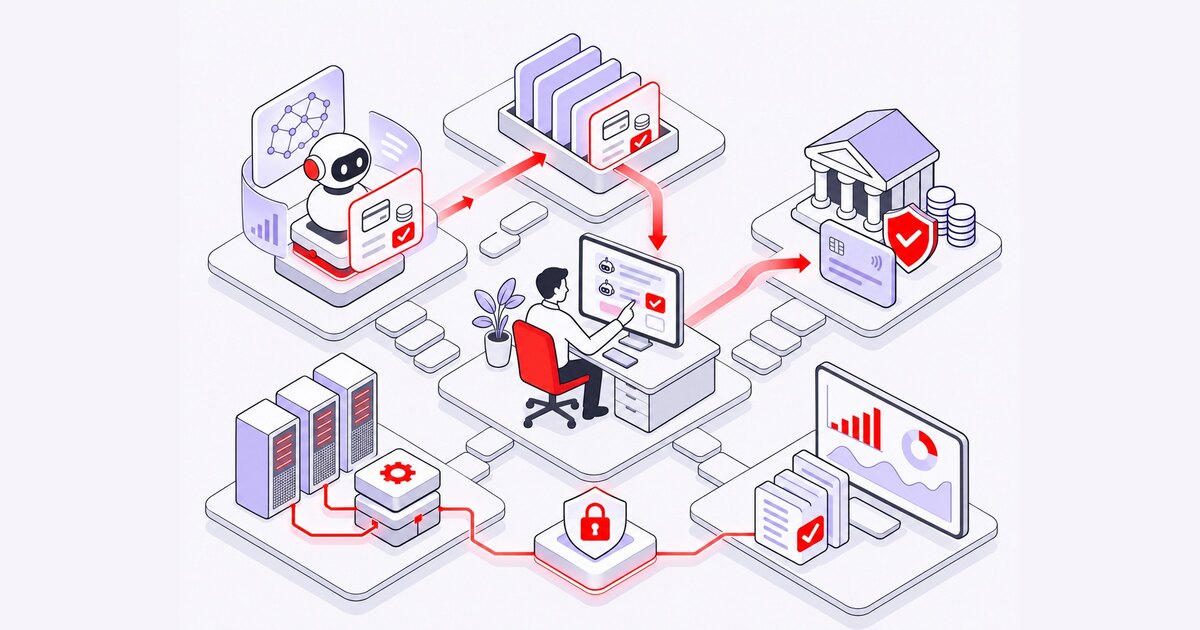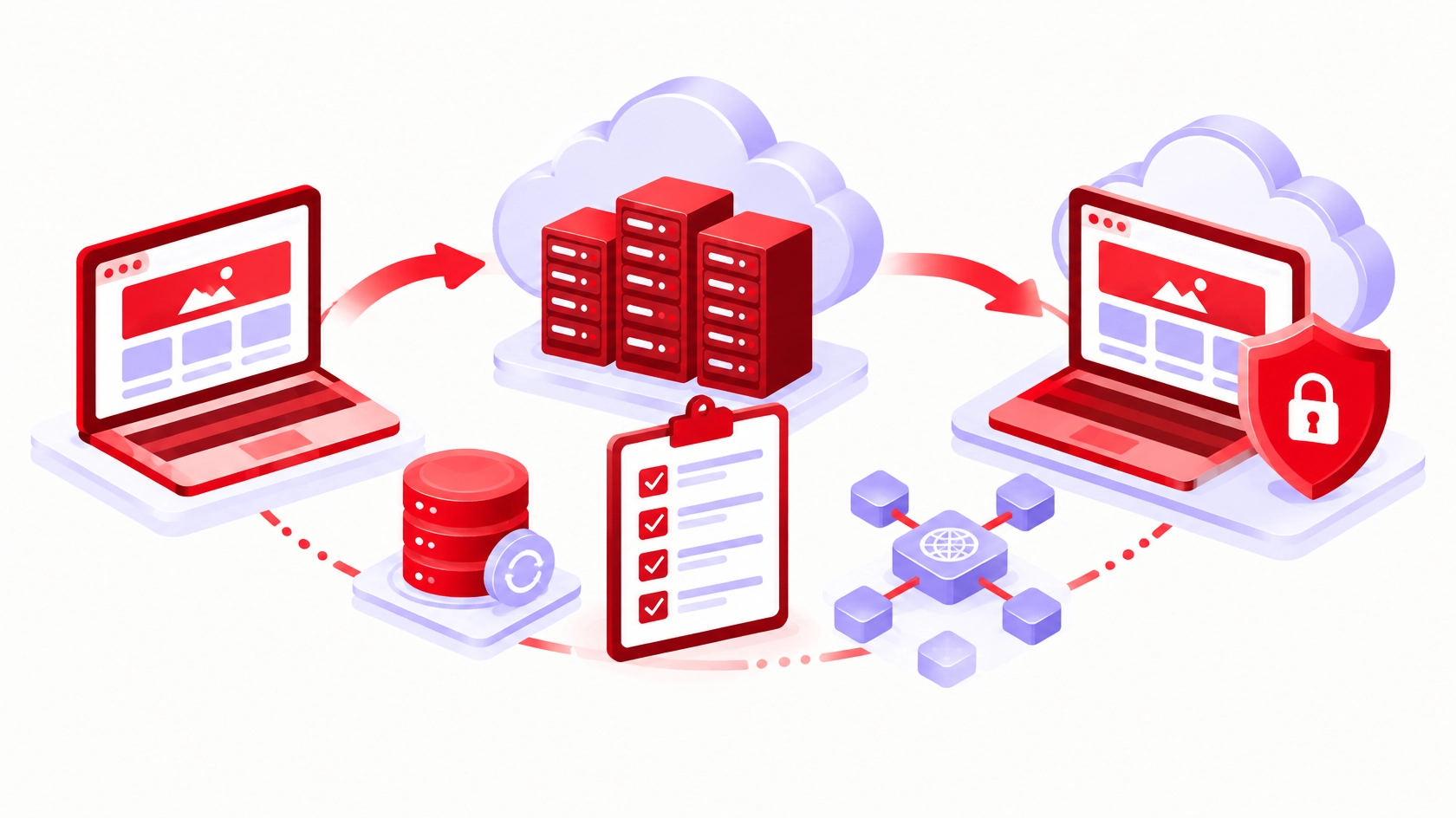
Linkdeh is a bio-link SaaS I own and operate. It runs on a commercial self-hosted platform, the kind many small SaaS businesses build on: you get a working product quickly, but you also inherit the vendor’s assumptions about how it is upgraded, extended and operated.
This case study covers how I turned that platform into something I can run with confidence on my own: an in-house upgrade process, a custom admin panel that controls the infrastructure around the application, a small API for custom features, and the production incidents that shaped all three. I used AI assistants throughout, for reading code, diffing releases and root-causing logs, while keeping every production change in my own hands.
The problem: the vendor’s upgrade path did not fit
Three things made the standard way of running the platform risky for Linkdeh.
- The built-in updater could not run for my installation. The releases themselves ship without database migration scripts, so every upgrade meant working out schema changes by hand.
- Failures were silent. In August 2026, two undocumented columns missing after an earlier upgrade broke link, block and project creation. Users saw only generic messages such as “session expired”. The real cause appeared only in the application logs.
- Customisations had to survive upgrades. Linkdeh has a fully custom landing page, extra database columns and its own tools, all of which a careless upload could overwrite.
The goal was not to fork the product. It was to own the operational layer around it: upgrades, server controls, observability and custom features, kept separate from the vendor’s code.
The architecture
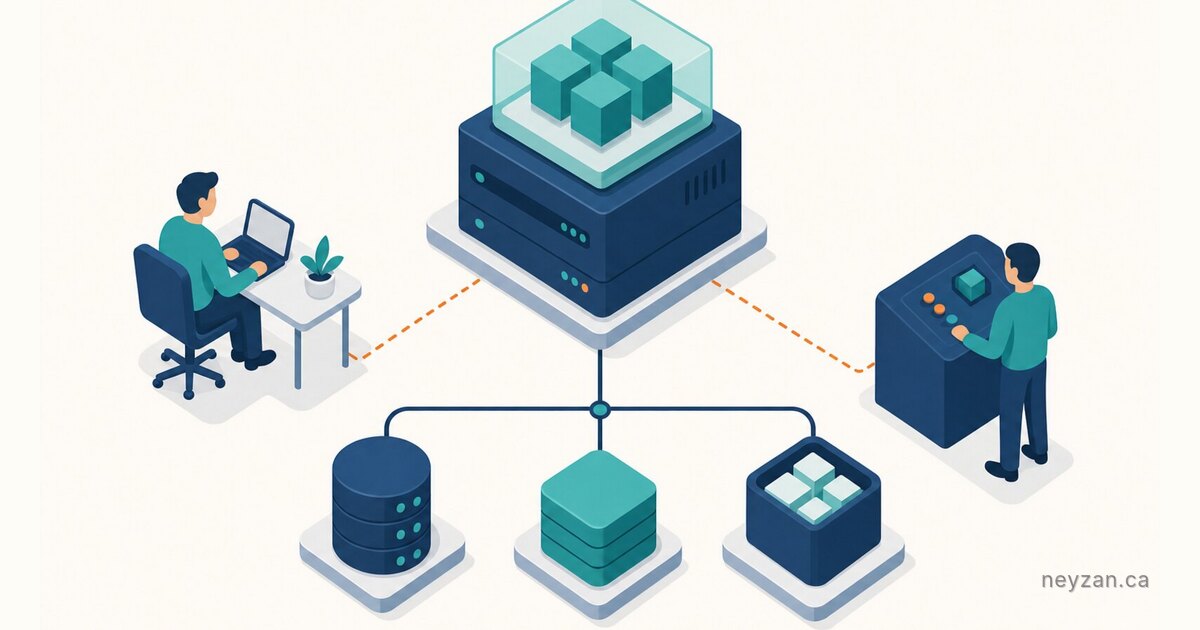
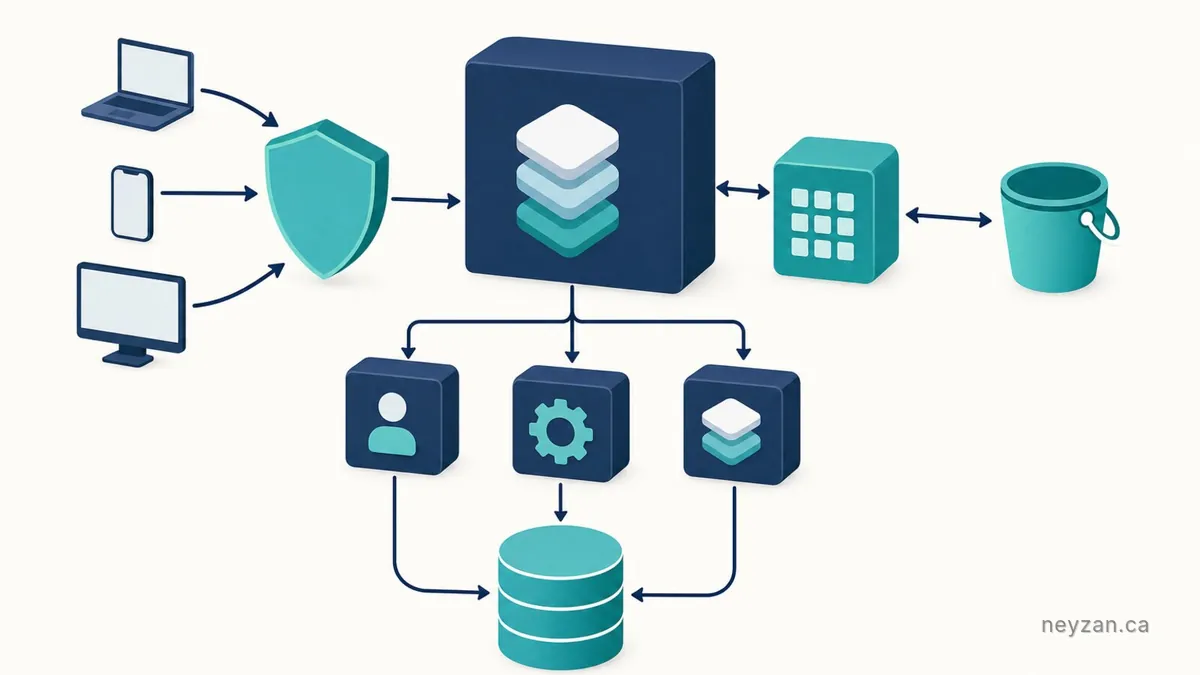
Linkdeh now runs as three parts on one server, with Cloudflare in front and object storage for user uploads and generated images.
- The core application: the commercial platform on PHP 8.4, MariaDB, Redis for sessions and application cache, OPcache and Nginx. I keep custom files, including the landing page, outside the paths a release upload touches.
- A custom admin panel: a separate PHP application with its own routing, authentication and JSON endpoints. It shares the core user table for login but runs in its own PHP process pool.
- A small custom API: read-only endpoints that serve platform status, live statistics, templates and categories from the main database. It feeds the landing page and the admin panel’s live preview, so neither has to depend on the core’s routing.
The custom landing page has eight sections, all stored in the database and editable from the admin panel. A headless-browser pipeline captures template previews and stores them in object storage.
The Upgrade Manager
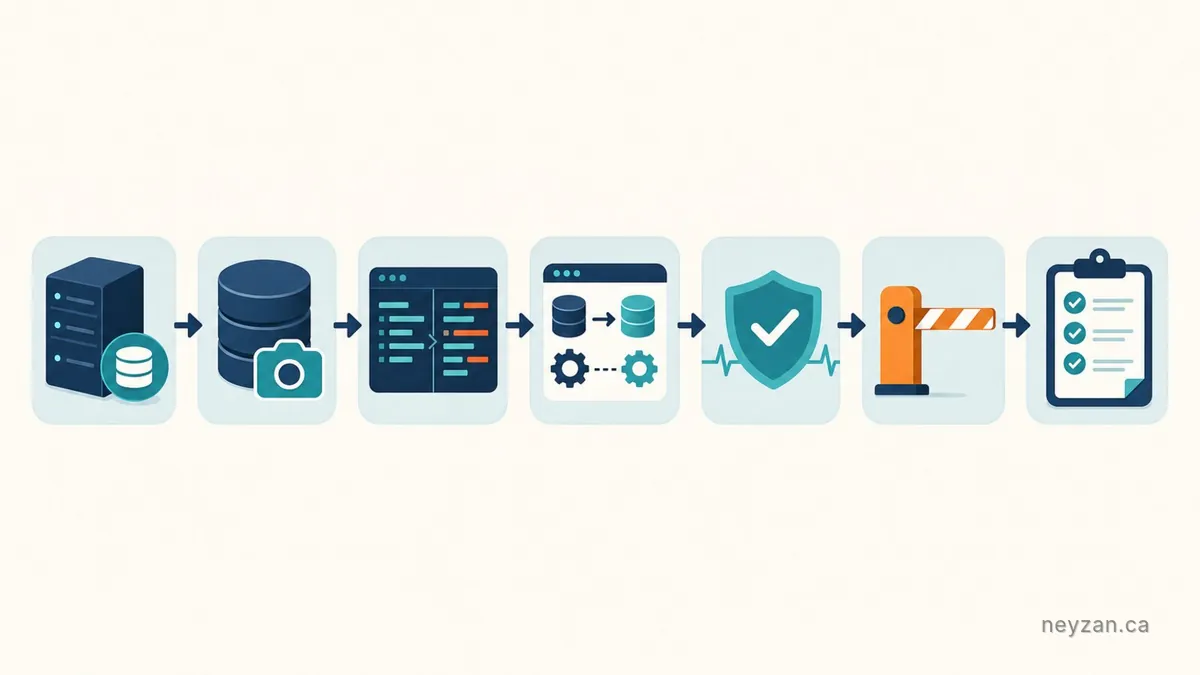
Because the releases ship no migration scripts, I built an Upgrade Manager into the admin panel. Each upgrade follows the same gated sequence:
- Full database and site-files backup, plus a pre-upgrade snapshot and a database copy of the custom landing page.
- Derive the schema changes by diffing the old and new release code, an analysis I did with AI assistance and then reviewed.
- Upload the release while excluding custom files.
- Run an idempotent migration: create or alter only what is missing, so a rerun is safe.
- Run a health check covering the expected schema plus every custom table and column.
- Record the new version only after the schema step has succeeded.
- Test creating and editing links, pages, projects and blocks, then review the logs for database errors.
The tool also had to become more robust. During the move to version 72, the migration hit a missing optional table and stopped without explanation. It now reports database errors as named steps, survives disconnects, returns a partial log on fatal errors, writes a progress log and skips tables belonging to add-ons that are not installed.
Controlling the infrastructure from the admin panel
The admin panel also manages the systems around the application, so routine operations do not require a shell session:
- Redis: flushed through the PHP Redis extension rather than a shell command. That also resolved an earlier permission problem.
- OPcache: the core application runs in a different PHP process pool, so its cache requires separate invalidation rather than resetting only the admin panel’s own pool.
- Cloudflare: the panel includes a cache-purge control intended for use around deployments and upgrades.
These controls are deliberately narrow. State-changing actions require a super-admin session and a CSRF token, accept only POST requests, and are limited to an allow-list of named actions. There is no free-form command input. The login form is protected with Cloudflare Turnstile.
When I use AI to inspect the server, it works through a restricted, read-only user, and that access is audited separately. Changes are applied by me.
Incidents that shaped the design
- Silent missing columns. Two undocumented columns broke content creation while the interface reported only generic errors. Reading the application logs found the cause, the columns were added and creation was restored. Since then, a log review has been mandatory after every upgrade.
- Errors after an upgrade. After version 72, an outdated third-party add-on called a function removed from the core, causing first-load server errors. The logs showed 186 such fatal errors on one day. I disabled the add-on the next morning; no recurrence was observed in the logs reviewed afterwards. An in-house replacement that reuses the screenshot pipeline is planned.
Results
- Every upgrade done in-house, along the path 62 → 67 → 68 → 69 → 70 → 72. A first attempt at version 70 was rolled back; its cause was later traced to the missing-column gap described above.
- Version 72 completed on 1 November 2026. The derived schema change (3 tables, 14 columns, 1 rename) applied in about one second once the migration had been hardened. The health check passed, the creation tests passed and the logs were clean.
- Customisations preserved: all 17 custom columns survived the upgrades, and the health check reported 31 of 31 at version 69.
- 186 add-on errors were logged on 11 November 2026; no recurrence was observed in the logs reviewed after the fix on 12 November.
I have not measured performance or time saved, so I do not claim either.
What I learned
- Own the operational layer, not the vendor’s code. Upgrades, controls and custom features live beside the product, which keeps future releases installable.
- Make upgrades boring. Backups, idempotent migrations, a health check and a version gate turned the riskiest operation into a checklist.
- Treat generic error messages as a symptom. The logs helped identify failures that generic interface messages did not explain.
- Narrow controls beat shell access. An allow-list of named actions behind strong session checks is easier to trust than a terminal.
- AI is most useful as an analyst. Diffing releases, reading unfamiliar code and root-causing logs went faster with AI, but every production change still went through my own review.
Some items are still open: confirming the web-server reload step and correcting one cache-clearing target. They stay on the list until they are verified, not described as done.