
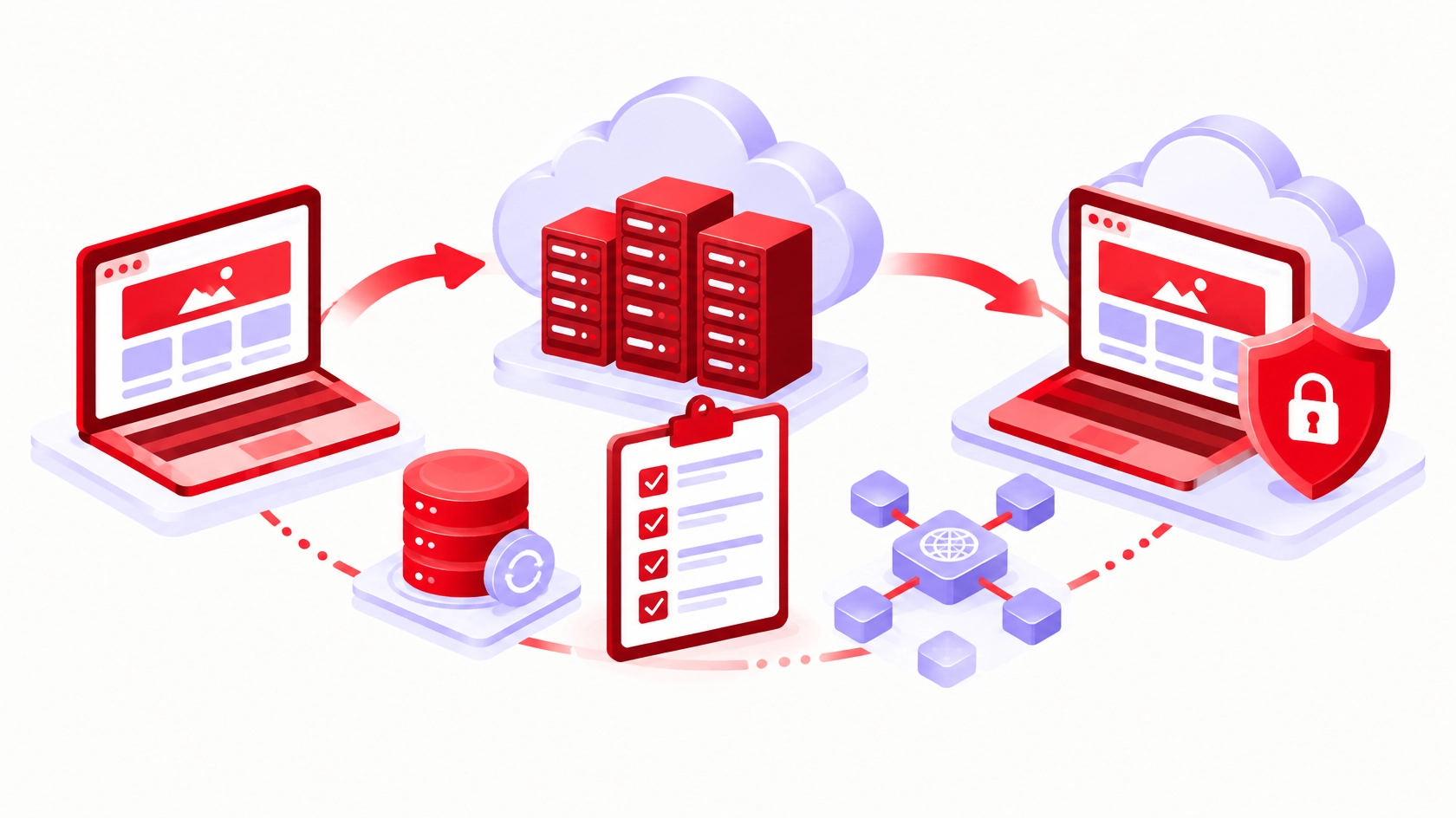
A website migration is rarely just a matter of moving files. Your website may depend on a database, DNS records, email services, scheduled jobs, third-party APIs, caching, and payment or contact forms. A move that overlooks one of those dependencies can interrupt sales, customer enquiries, or day-to-day operations.
Before changing a live website, use this practical checklist to identify what must move, what must stay unchanged, and how you will recover if the launch does not go as planned.
1. Map the website and its dependencies
Start with a simple inventory: hosting environment, application and runtime versions, database engine, storage locations, scheduled tasks, SSL certificates, DNS provider, and any CDN, firewall or caching rules.
List the integrations the business relies on: email delivery, CRM, forms, analytics, payment providers, webhooks and external authentication. Note which credentials and endpoint URLs depend on the current server or domain, and any service that only accepts requests from the old server’s IP address. Document where DNS is managed; moving a website does not automatically mean moving email.
Define success before you start. For an online store, that means browsing products, completing checkout, sending order emails and viewing orders in the admin panel. For a services site, test lead forms, bookings and notification emails. Name a responsible owner and a maintenance window.
2. Verify backups and define a rollback point
Back up the files, database, uploaded media and relevant configuration. A backup is only useful if it restores, so confirm the archive is complete and readable, and ideally test a restore in an isolated environment before the cutover.
Decide the exact point at which new content or transactions must stop; reverting files alone does not reverse database changes. If customers can place orders or submit forms during the move, pause those writes and take the final database copy after the pause, immediately before cutover.
Write a short rollback plan: who decides, which files and database snapshot to restore, how DNS will point back to the previous host, and what confirms the old service works again. Keep the original environment running until the new one is verified.
3. Test the new environment before changing DNS
Build a staging copy of the site without exposing unfinished content or real customer data. Match the production settings that matter: runtime, database compatibility, file permissions, extensions, background workers and environment variables. A site that loads its homepage but fails at checkout or form submission is not ready.
Use a temporary hostname or a hosts-file entry to test the new server while visitors still reach the old one. Check layouts on desktop and mobile, links, redirects, admin login, uploads, forms, search, emails and scheduled tasks. Test payments in sandbox mode, never with real transactions.
Make sure staging cannot email customers or change live third-party services, and never copy production secrets into a publicly reachable test environment.
4. Plan the DNS cutover and monitor the launch
Prepare the DNS changes in advance and confirm who controls them. Lower the TTL on the records that will change at least one full TTL period before cutover, for example a day ahead if it is currently 24 hours; even then, caches will not all update instantly. If the site sits behind a proxying CDN, switching the origin there takes effect almost immediately.
If you are also moving DNS to a new provider, recreate every existing record there first, including MX, TXT verification and DKIM records, before switching nameservers. Leave MX records alone unless you are deliberately moving email. If the new server will send email itself, such as form or order notifications, update SPF and DKIM for it, or route mail through an existing authenticated SMTP service.
Decide in advance how the new server will obtain its SSL certificate (issued after cutover, issued beforehand through DNS validation, or copied from the old host) so visitors never see a certificate error. After cutover, run a short smoke test from outside the server: key pages, login, critical forms, transactional emails, and payment or booking paths.
Watch logs, uptime alerts, server capacity and error reports during the following hours. Do not retire the old infrastructure until DNS caches have expired and data is in sync.
5. Complete a final business-continuity checklist
Before declaring the move finished, confirm that the acceptance tests passed and that the new system has monitoring, working scheduled backups, access controls and a named owner. Check that staging-only settings are not blocking search engines.
Final go/no-go questions:
– Can we restore the site and database from verified backups?
– Have we tested the business functions that matter most?
– Are DNS, SSL, email and third-party integrations accounted for?
– Is there a written rollback procedure and a person authorized to use it?
– Do we know how to monitor the site after launch?
A successful website migration is not simply a site that appears online. It is a controlled transition that preserves business functionality, protects data, and gives the team a clear way to respond if something fails.